Nexa AI Solutions

Word Add-in

Fajer Ai

Word add-in project for document automation, AI writing support, review workflows, templates, or integrations.
Outcome: More reliable document workflow inside Word

  • Word APIs
  • Office.js
  • React
  • Automation
Build something similar
Fajer Ai

Screenshots

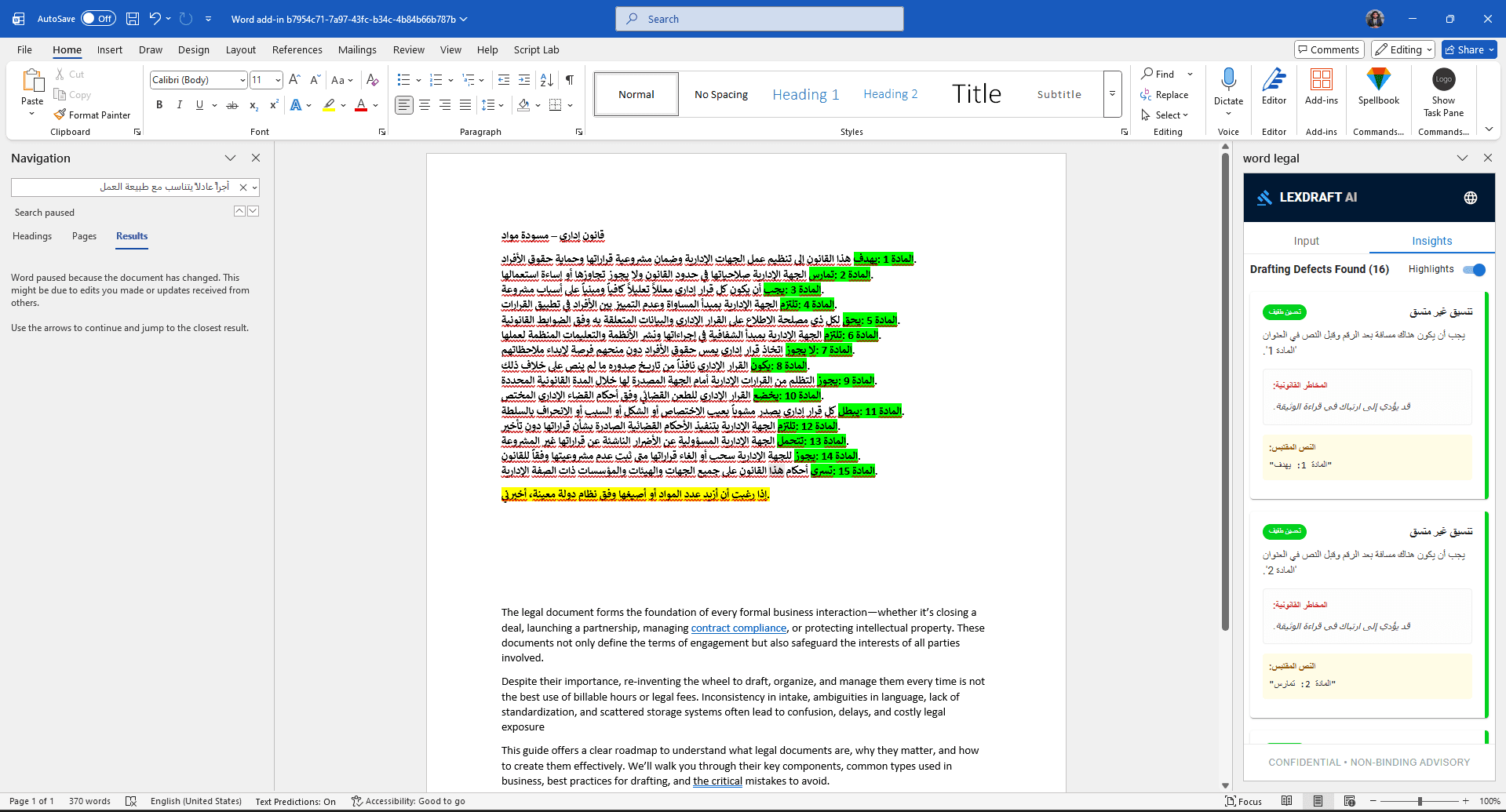
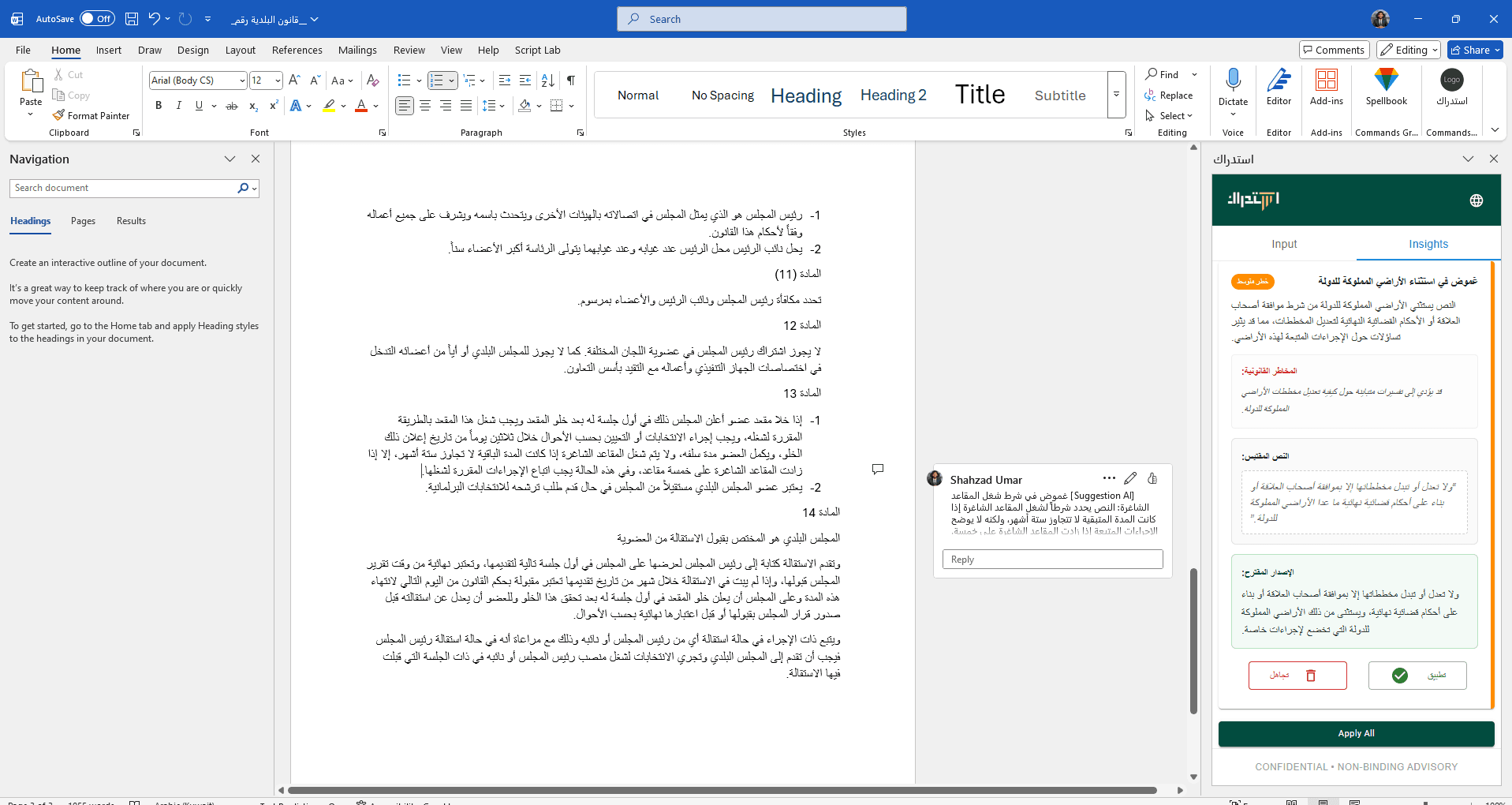
Fajer Ai screenshot 1
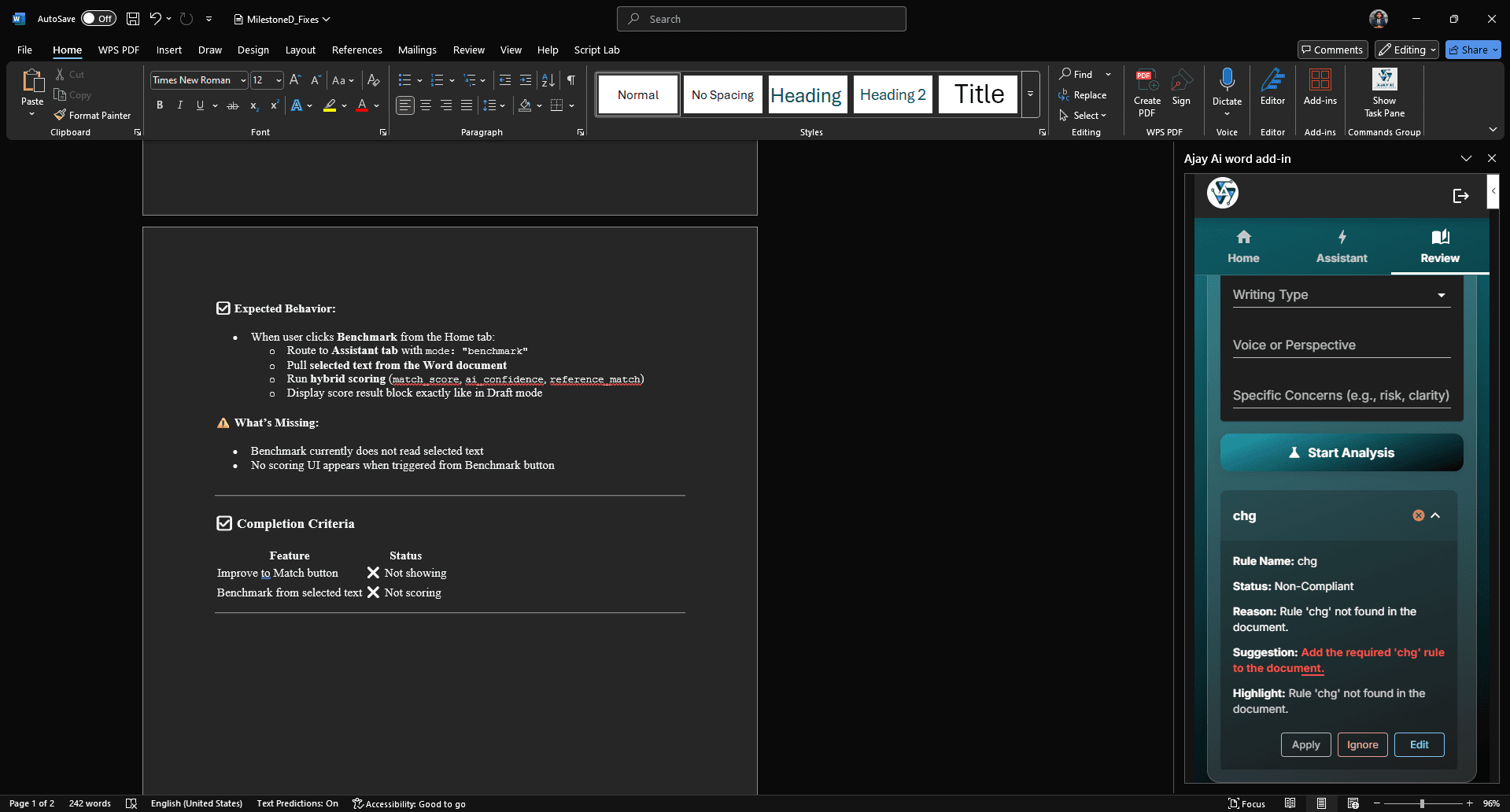
Fajer Ai screenshot 2
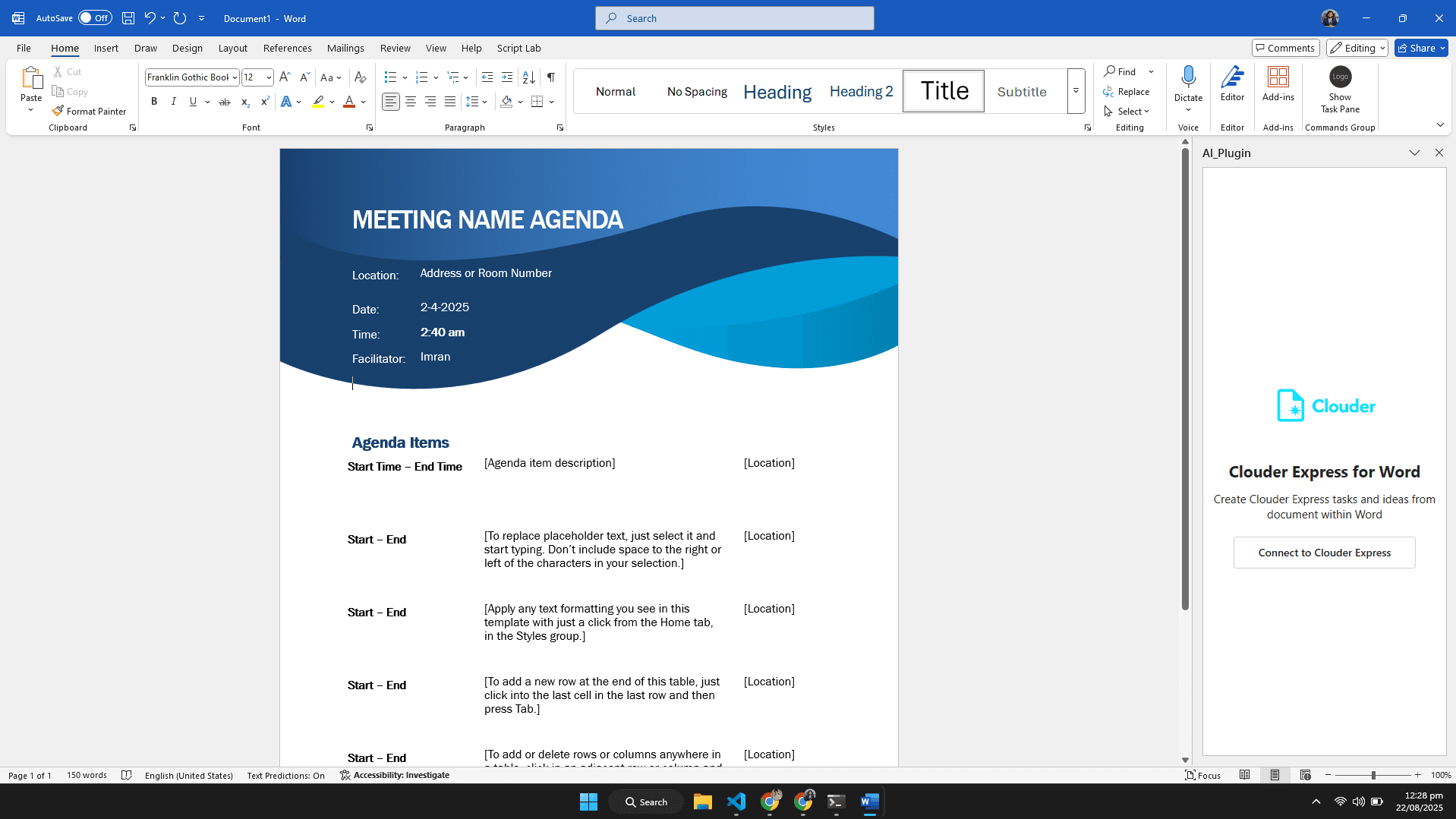
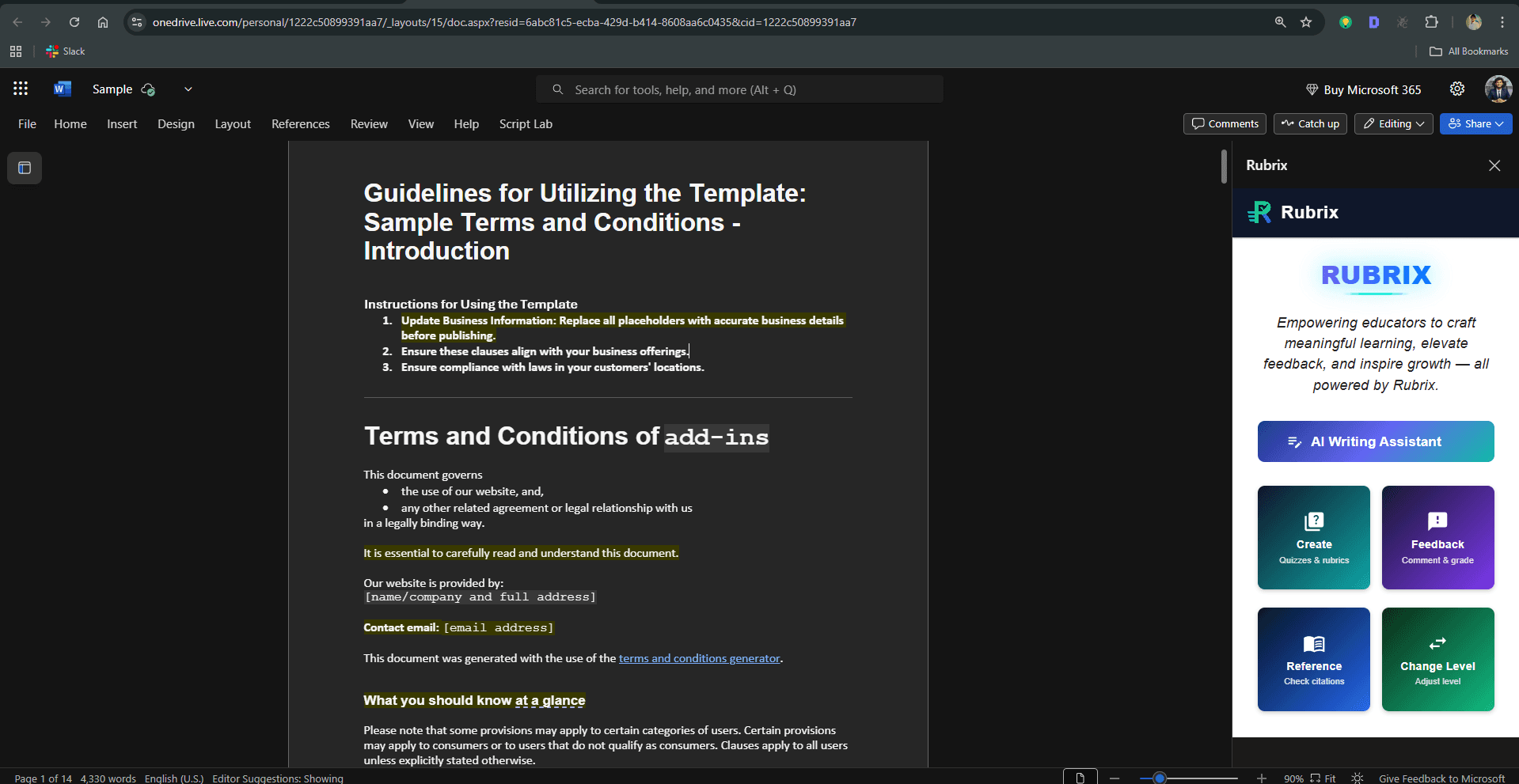
Fajer Ai screenshot 3
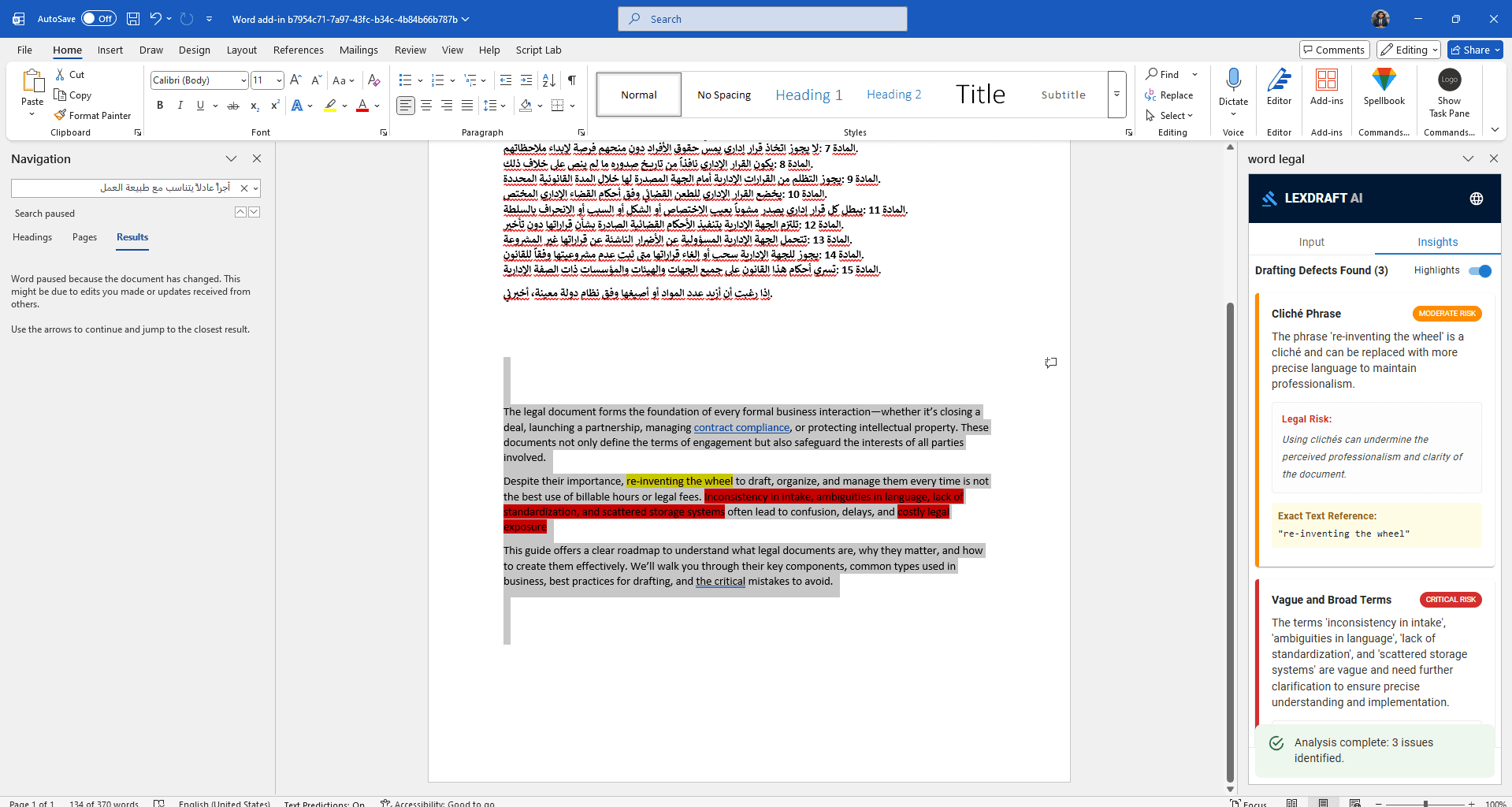
Fajer Ai screenshot 4

Overview

Fajer Ai is a shipped word add-in engagement: Word add-in project for document automation, AI writing support, review workflows, templates, or integrations.
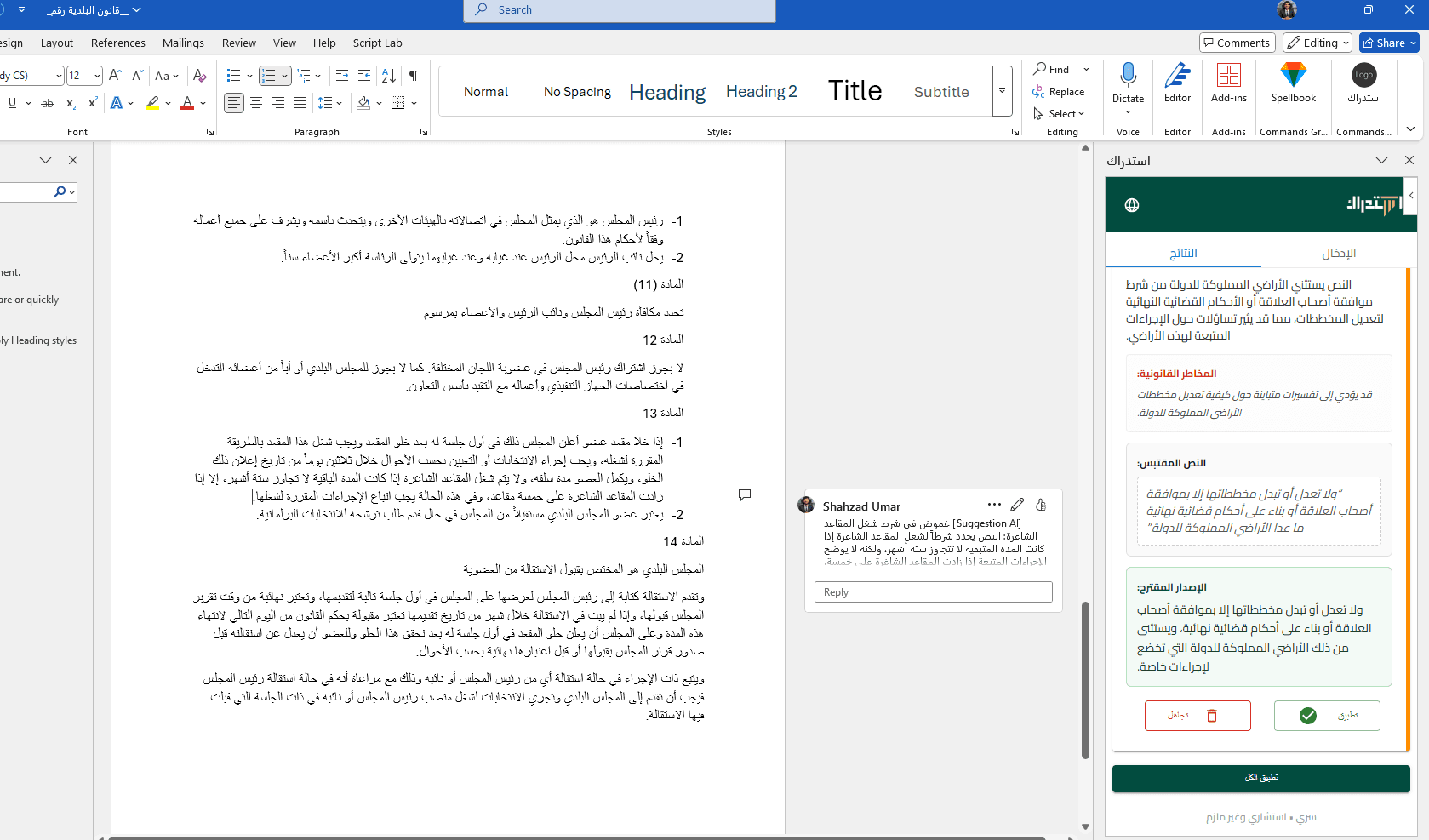
This project is a Microsoft Word add-in that keeps authors inside the document while automating templates, clauses, AI-assisted edits, or compliance checks.

Built with Office.js and a modern task pane, it reduces copy-paste between Word and external systems.

Results

  • More reliable document workflow inside Word
  • Faster first drafts
  • Brand-consistent documents
  • Audit-friendly version control

The challenge

  • Manual document assembly

    Legal, HR, and operations teams spent hours merging templates, tracking versions, and fixing formatting inconsistencies.

  • Governed content

    Approved language and metadata had to stay controlled while still allowing flexible authoring.

Our approach

  • Template & content engine

    Users insert structured blocks, merge fields, and approved clauses from a governed library inside Word.

  • Review-friendly UX

    Clear states for drafts, suggestions, and exports — with optional AI assistance behind your policies.

Deliverables included

Typical scope for a word add-in engagement at this complexity level — adjusted per statement of work.

  • Word add-in manifest & hosting
  • Task pane workflows and content library hooks
  • Optional SharePoint or DMS save paths
  • Document QA checklist and handoff docs

Explore related services

Word add-in development

About Fajer Ai

What was built for Fajer Ai?
Word add-in project for document automation, AI writing support, review workflows, templates, or integrations. Outcome for users: More reliable document workflow inside Word. Stack: Word APIs, Office.js, React, Automation.
Can the add-in write into the document body?
Yes. We use the Word JavaScript API for selections, content controls, and structured inserts depending on your template model.
Is AI optional?
We can ship rule-based automation only, or add AI features with guardrails, logging, and your chosen model endpoint.

Want an add-in like this?

Share your workflow — we'll scope Office.js architecture, timeline, and fixed pricing.

Book a consultation