
Advanced Excel Add-in Development: Custom Functions & Live Data BI
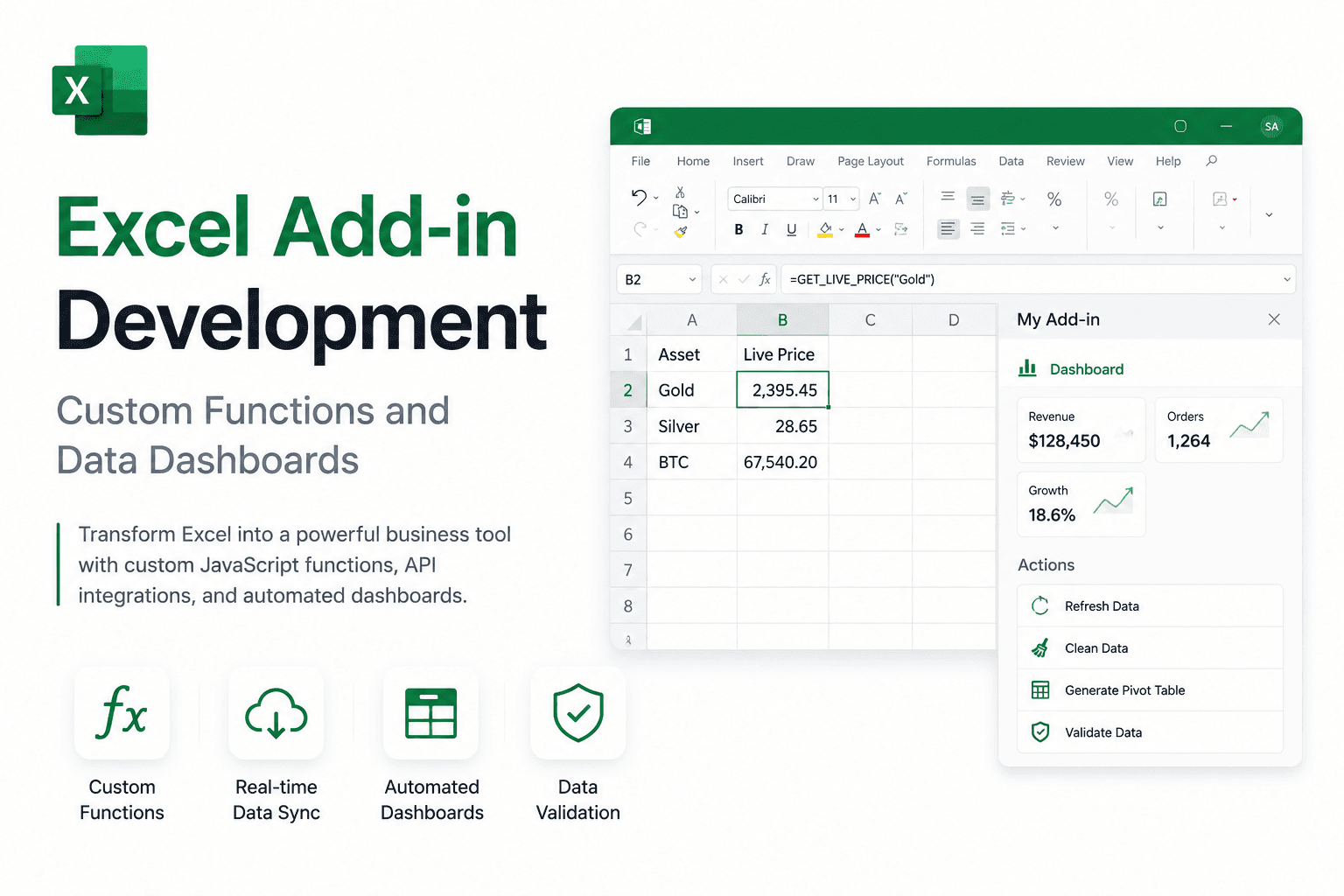
Modernizing Enterprise Spreadsheets with Office.js
Excel is no longer just a calculator; it’s an application platform. By shifting from VBA to JavaScript/TypeScript, organizations gain cross-platform compatibility across Windows, Mac, and Excel Online.
Custom Functions (User-Defined Functions or UDFs) allow you to create formulas like =GET_STOCK_PRICE() that pull data live from your private cloud.
Always use 'Excel.run' with batching to minimize the overhead between the JavaScript engine and the Excel host application.
Building Your First Custom Function
Custom functions are defined in metadata and implemented in JavaScript. They allow users to run complex calculations without leaving the cell editor.
/**
 * Gets the current price for a stock.
 * @customfunction
 * @param ticker Stock symbol
 * @returns The stock price
 */
async function getStockPrice(ticker: string): Promise<number> {
  const response = await fetch(`https://api.finance.com/${ticker}`);
  const data = await response.json();
  return data.price;
}
Summary
Excel add-ins represent the future of financial modeling—moving away from static exports towards live, API-connected decision engines.
Written by
NexaAI Solutions