
Outlook Mobile Add-in Development: Enterprise Mobility & UI Strategy
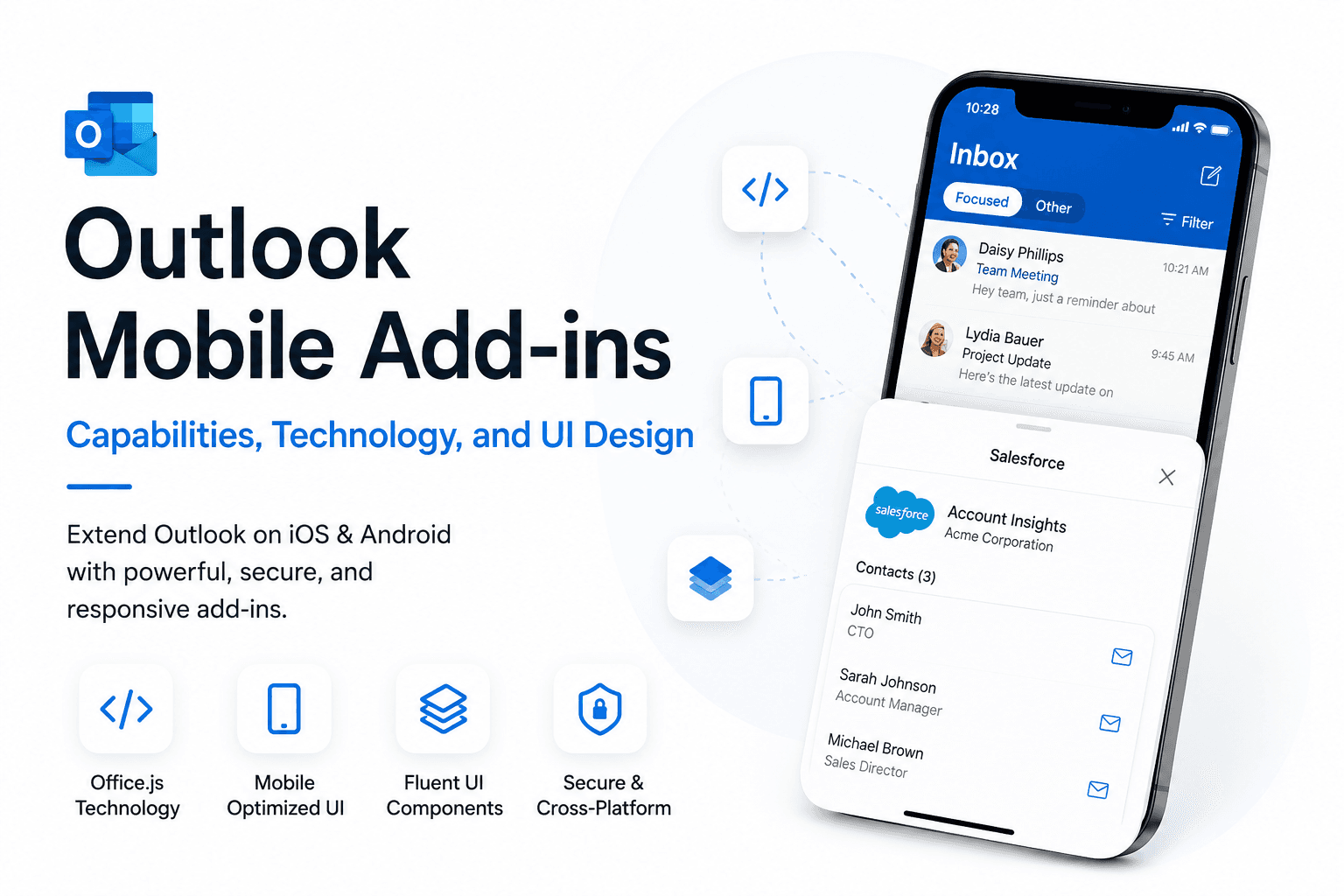
The Shift Toward Mobile-First Email Workflows
In the modern era of remote and hybrid work, managing enterprise data from a smartphone is a competitive necessity. Outlook Mobile add-ins bridge the gap between communication and action.
Unlike legacy VSTO plugins, modern web-based add-ins run inside a secure sandbox, utilizing the same TypeScript/JavaScript codebase for iOS, Android, and Web.
Use the 'MobileFormFactor' element in your manifest to explicitly enable support for handheld devices, as it is disabled by default for many task pane add-ins.
Technical Architecture & UI Best Practices
Mobile screens require a 'Thumb-First' design. Leveraging Microsoft's Fluent UI React components ensures that buttons and inputs feel native to the Outlook environment.
<MobileFormFactor>
  <FunctionFile resid="residDesktopFuncUrl" />
  <ExtensionPoint xsi:type="MobileMessageReadCommandSurface">
    <Group id="mobileGroup">
      <Control xsi:type="MobileButton" id="mobileButton">
        <Action xsi:type="ShowTaskpane">
          <TaskpaneId resid="residMobileTaskpaneUrl" />
        </Action>
      </Control>
    </Group>
  </ExtensionPoint>
</MobileFormFactor>- Optimize network calls: Mobile users often have high-latency connections.
- Utilize Office.context.mailbox.item.saveAsync to sync data before API calls.
- Implement MSAL.js for seamless Single Sign-On (SSO) on mobile browsers.
Summary
Outlook Mobile development requires a balance of speed and simplicity. By focusing on Fluent UI and optimized Graph calls, you can build tools that your team will actually use on the go.
Written by
NexaAI Solutions