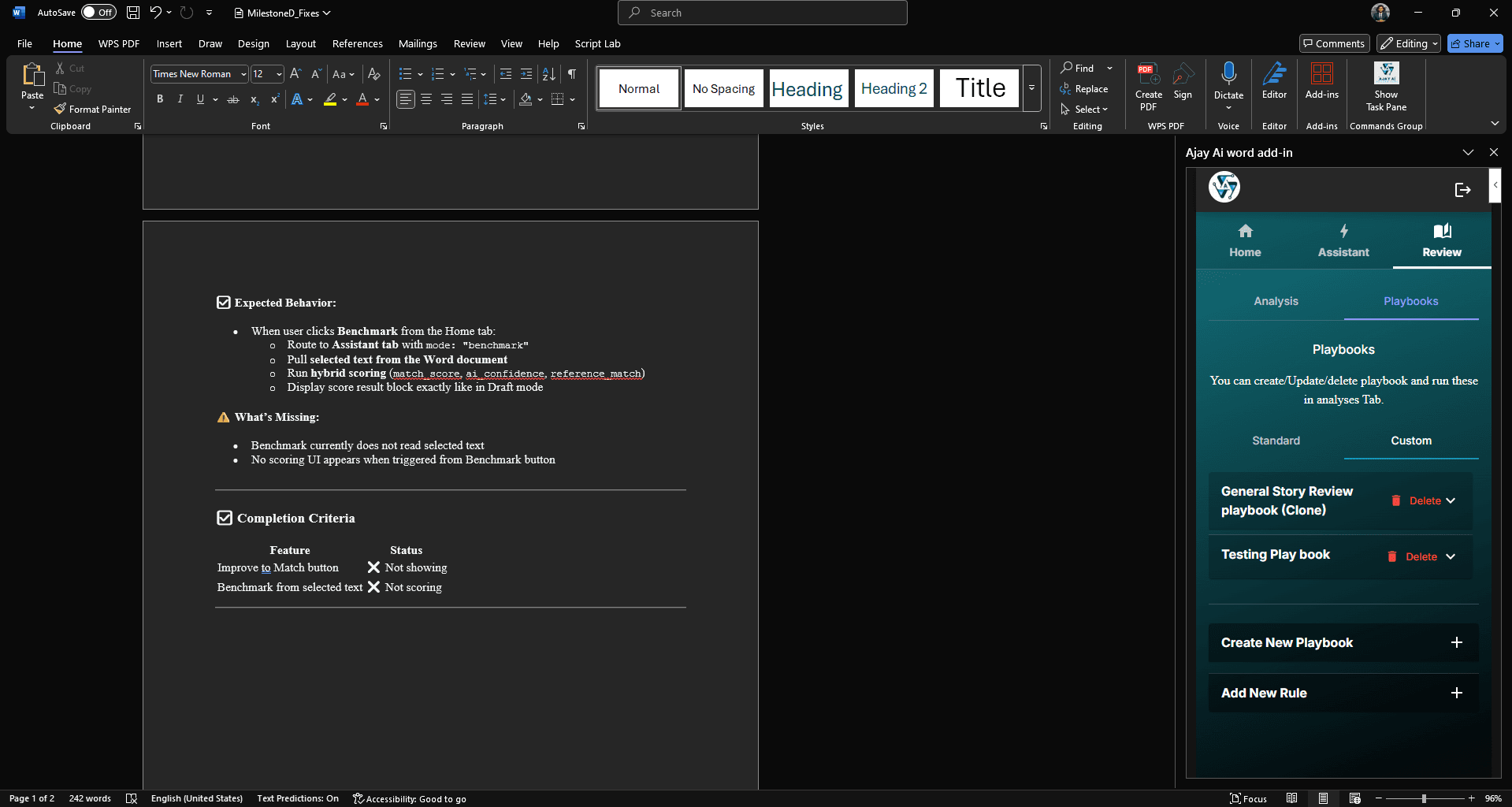
AI Word Add-in Development for Document Automation and Review Workflows
How AI-powered Word add-ins can help with drafting, rewriting, clause review, document generation, comments, and structured workflows.

Where AI fits inside Word
Word is already the workspace for contracts, proposals, reports, policies, legal drafts, and internal documentation. An AI Word add-in can keep assistance inside the document instead of sending users to a separate tool.
The strongest use cases combine AI with structured document actions: selected text rewriting, comments, template filling, clause suggestions, summaries, and review workflows.
Useful AI Word add-in features
A focused add-in can support writers, legal teams, operations teams, and document-heavy businesses.
- Rewrite selected text with tone, length, and style controls.
- Generate summaries, action items, and structured notes from document sections.
- Insert clauses, reusable snippets, variables, and templates into the document.
- Review wording for risk, missing terms, formatting issues, or internal style rules.
- Export, save, or sync generated documents with SharePoint, OneDrive, or a private backend.
Security and quality planning
AI document tools should be designed with clear data handling rules. Teams need to know what content is sent to APIs, how logs are handled, and how user permissions protect sensitive files.
References
Common questions
- What can a Word add-in automate?
- Word add-ins automate templates, clause libraries, content controls, AI-assisted drafting, PDF export, and SharePoint document routing inside Microsoft Word.
Related services
Written by NexaAI Solutions
← Back to all articles