Excel Add-insMay 6, 20265 min read

Excel Add-in Development for Reporting, Dashboards, and APIs

How Excel add-ins help teams build reports, custom functions, API-connected dashboards, and repeatable spreadsheet automation.

Excel Add-in Development for Reporting, Dashboards, and APIs

Where Excel add-ins create value

Excel is still the operating layer for many finance, sales, logistics, and operations teams. A custom Excel add-in can turn repetitive spreadsheet work into a guided workflow with clean buttons, side panels, validations, and API connections.

High-impact Excel add-in features

The best Excel add-ins usually combine automation with a familiar spreadsheet experience.

  • Custom functions for formulas that call internal APIs or business logic.
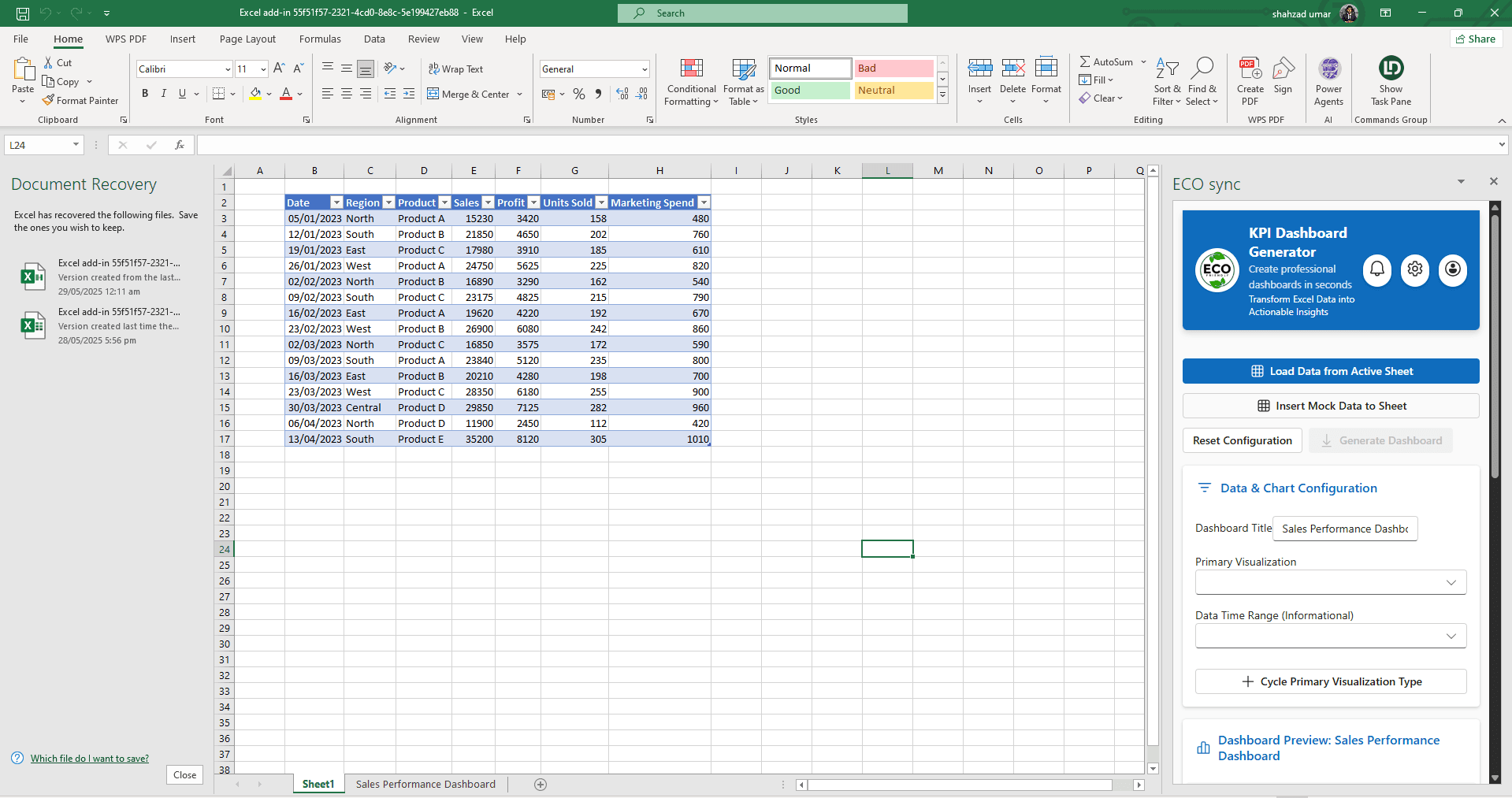
  • Dashboard builders that pull live data from CRMs, ERPs, or databases.
  • One-click formatting, report generation, sheet validation, and export flows.
  • Secure authentication with Microsoft identity or third-party OAuth.
  • Cross-platform support for Excel web, Windows, and macOS where Office.js allows it.

SEO and business trust angle

If your website sells Excel add-in development services, show real screenshots, explain the workflow, and mention the technical stack. Clients want proof that you can handle Office.js behavior, workbook permissions, API reliability, and deployment support.

Common questions

What can an Excel add-in automate for reporting?
Excel add-ins can pull live API data, build dashboards, run custom functions, validate inputs, and generate reports without leaving the spreadsheet — using Office.js and secure authentication.

Written by NexaAI Solutions

← Back to all articles

Ready to build your Office or Google add-in?

Tell us about your workflow — we'll outline a practical path from discovery to deployment.

Book a consultation