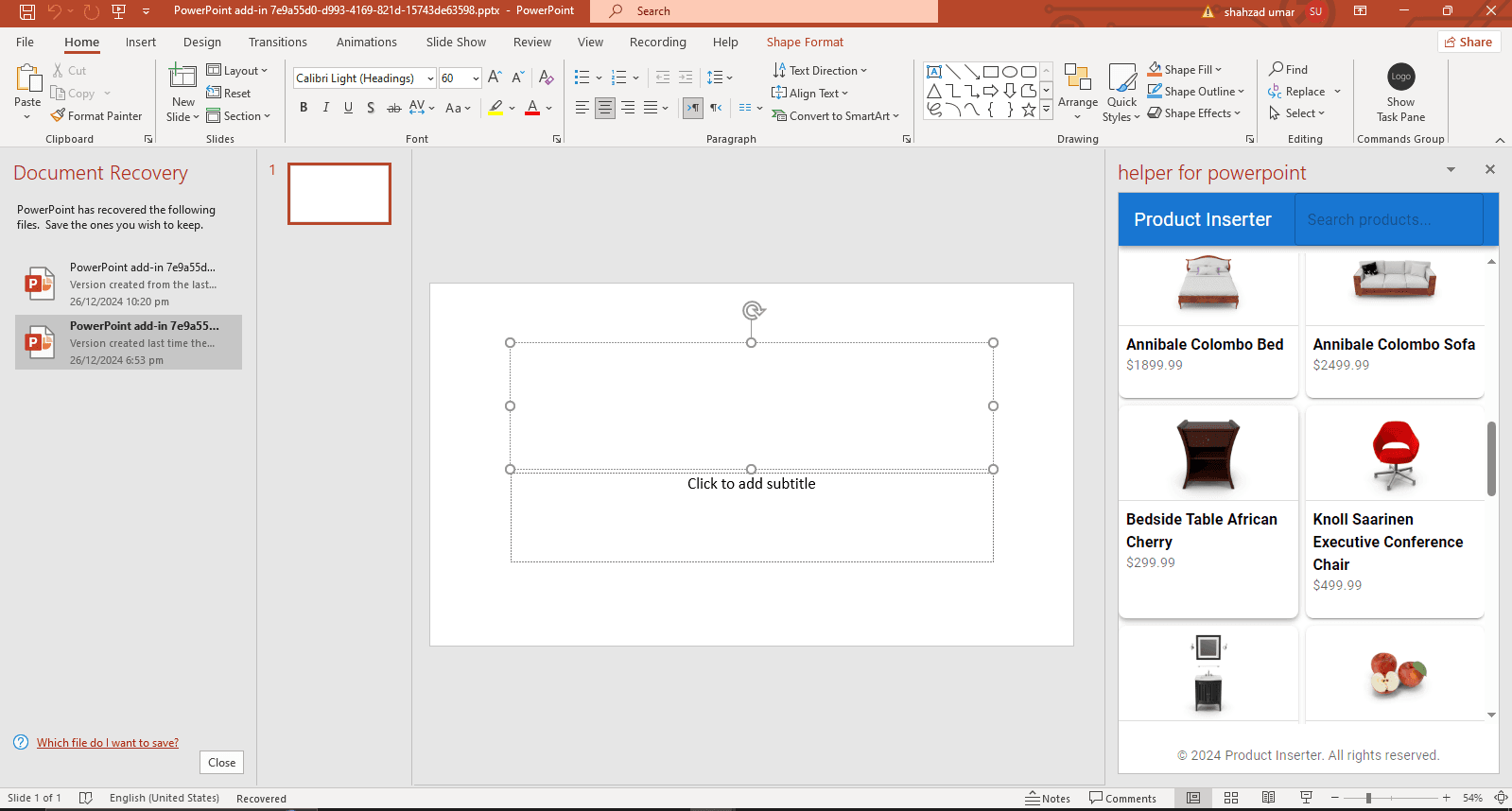
PowerPoint Add-in Development for Sales Proposals and Branded Decks
PowerPoint add-ins can help teams build proposal decks faster with slide libraries, brand controls, CRM data, charts, and reusable content.

Why PowerPoint automation helps sales teams
Proposal decks often repeat the same content with small changes: client names, pricing, product modules, case studies, team slides, charts, and branding. A custom PowerPoint add-in can make that process faster and more consistent.
Instead of copying slides from old decks, users can insert approved content from a controlled library and generate client-ready presentations with fewer mistakes.
High-value add-in workflows
PowerPoint add-ins are useful when deck creation needs consistency, speed, and reusable assets.
- Insert approved slide templates, case studies, pricing pages, and product sections.
- Generate proposal decks from CRM, form, or spreadsheet data.
- Apply brand checks for colors, fonts, logos, and required disclaimers.
- Create charts, tables, and visual summaries from live business data.
- Export or save finished decks into SharePoint, OneDrive, or a document system.
Start with one proposal flow
The best first version usually targets one repeatable deck type. Once the workflow proves value, the slide library and automation rules can expand across more teams.
References
Common questions
- Can PowerPoint add-ins generate decks from CRM data?
- Yes. PowerPoint add-ins can insert approved slides, bind charts to live data, and build proposal decks from CRM or spreadsheet fields using Office.js.
Related services
Written by NexaAI Solutions
← Back to all articles