SharePoint Word Add-in Document Workflow Guide
How Word add-ins can generate, save, route, approve, and manage documents with SharePoint libraries and metadata.

Why SharePoint matters for Word automation
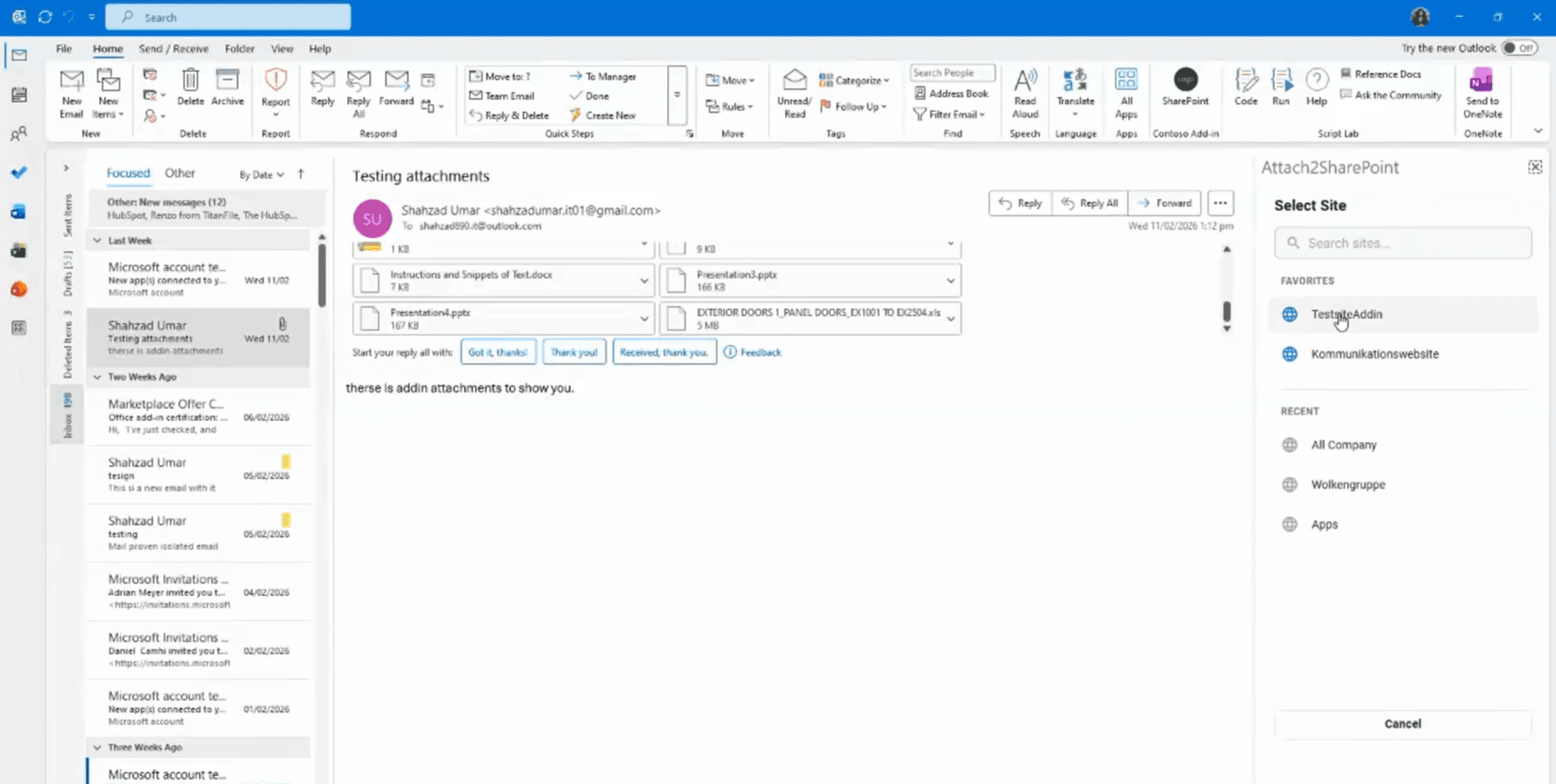
Word is where documents are drafted, but SharePoint is often where business records are stored, reviewed, approved, and governed. A custom Word add-in can connect the authoring experience with the document system.
This is useful for contracts, HR letters, reports, policies, proposals, approvals, and any workflow where metadata and permissions matter.
Common SharePoint Word workflows
A production workflow should reduce document mistakes while keeping SharePoint organized.
- Generate Word documents from approved templates and business data.
- Save files into the right SharePoint library, folder, and metadata structure.
- Route documents for review, approval, signature, or PDF export.
- Check required fields before upload or publishing.
- Track version, owner, status, and related business record context.
Planning details
Before build, define template fields, folder structure, metadata, permissions, approval rules, naming standards, and retention requirements.
References
Common questions
- What is an Office 365 add-in?
- An Office 365 add-in is a web application that runs inside Excel, Outlook, Word, or PowerPoint using Office.js, so teams automate work without leaving Microsoft 365.
- How long does a custom Office add-in project take?
- Discovery is typically 1–2 weeks. A focused Build for one Office app is often 6–12 weeks depending on integrations, Microsoft Graph scope, and security review cycles.
Related services
Written by NexaAI Solutions
← Back to all articles