
VSTO vs. Office.js: Why It's Time to Migrate Your Office Add-ins
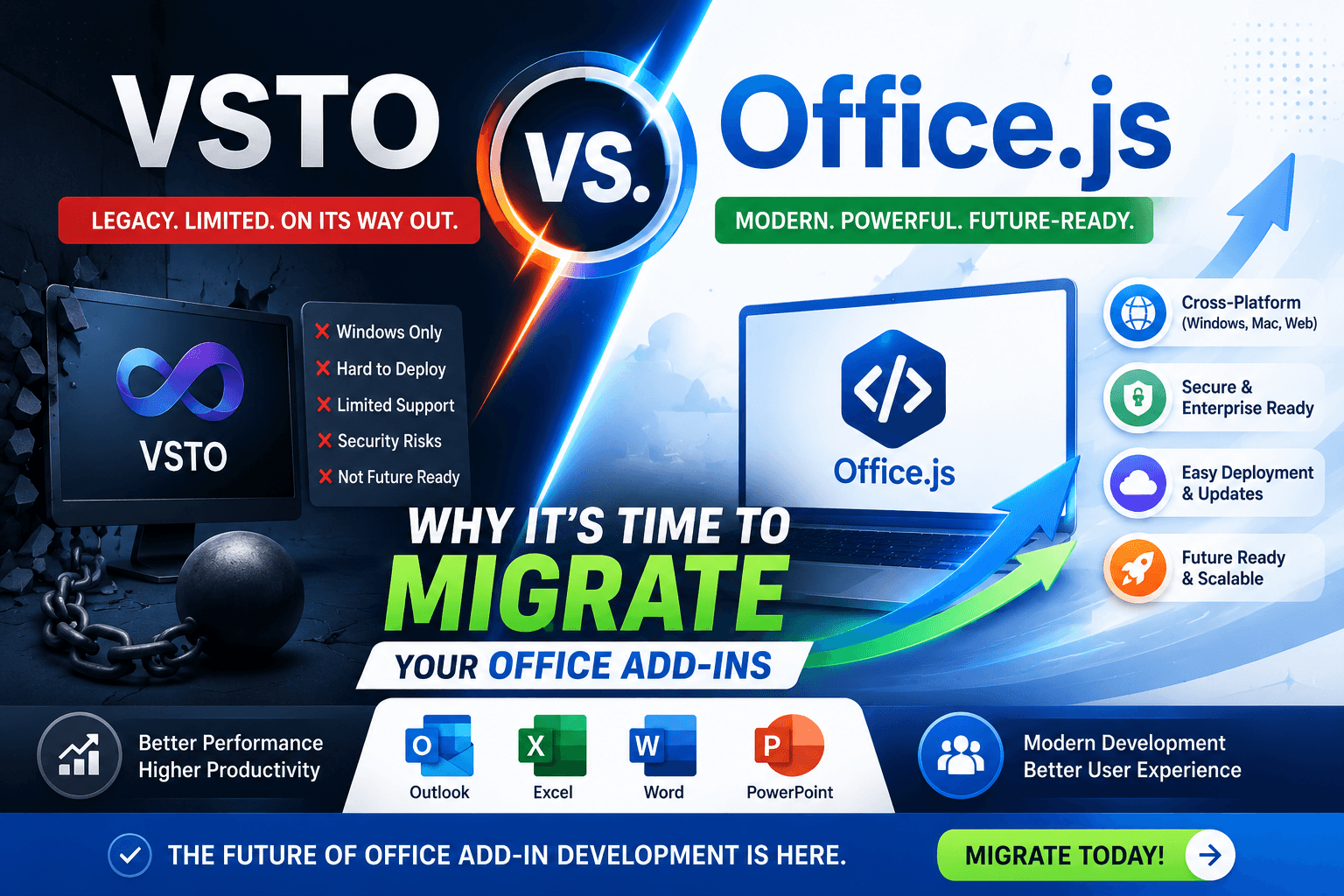
The Limitations of VSTO in a Mobile-First World
VSTO (Visual Studio Tools for Office) was designed for Windows desktop applications and works well in traditional Office environments. However, it cannot run on Office Online, Outlook on the web, Mac, or mobile devices, making it unsuitable for today's cloud-first Microsoft 365 ecosystem.
Office.js uses modern web technologies including HTML, CSS, JavaScript, and TypeScript, enabling developers to build a single Office Add-in that works across Outlook, Excel, Word, PowerPoint, and Microsoft Teams on Windows, Mac, and the web.
At NexaAI Solutions, we perform a complete VSTO feature assessment before migration, ensuring every business workflow is preserved using Office.js and Microsoft Graph API.
Why Businesses Are Migrating from VSTO to Office.js
Organizations are replacing legacy VSTO solutions because they require Windows installations, complex deployment, and ongoing maintenance. Office.js enables centralized deployment through Microsoft 365 Admin Center with automatic updates.
Modern Office Add-ins are easier to maintain, work across multiple platforms, integrate with cloud services, and provide a consistent user experience for every employee.
Benefits of Office.js for Outlook, Excel, Word, and PowerPoint
Office.js allows developers to build Outlook Add-ins for email automation, Excel Add-ins for spreadsheet automation, Word Add-ins for document intelligence, and PowerPoint Add-ins for presentation automation using a single JavaScript-based framework.
This significantly reduces development costs while improving compatibility, scalability, security, and long-term maintainability.
Microsoft Graph API Unlocks Features Beyond VSTO
Office.js becomes even more powerful when combined with Microsoft Graph API. Developers can securely access Outlook emails, calendars, OneDrive files, SharePoint documents, Microsoft Teams, user profiles, and organizational data.
Unlike traditional VSTO solutions, Graph-powered Office Add-ins can automate workflows across Microsoft 365 without relying on local machine resources.
Preparing Your Office Add-ins for Microsoft Copilot
Microsoft Copilot is transforming how users interact with Office applications. Businesses migrating from VSTO to Office.js are better positioned to integrate AI capabilities such as document summarization, email generation, intelligent search, workflow automation, and custom Copilot extensions.
Office.js provides the modern foundation required for integrating OpenAI, Azure AI, and Microsoft Copilot into enterprise productivity solutions.
Modernizing with NexaAI
Migration is more than rewriting code. NexaAI Solutions redesigns legacy VSTO applications into modern Office.js solutions using React, TypeScript, Fluent UI, Angular, and Microsoft Graph API while preserving existing business logic.
Our migration process includes architecture review, UI modernization, cloud integration, security enhancements, performance optimization, testing, deployment, and post-launch support.
// Check whether the required Office.js API set is available
if (Office.context.requirements.isSetSupported('Mailbox', '1.9')) {
  console.log('Modern Office.js APIs are available');
}Why Choose NexaAI for Office.js Migration
NexaAI specializes in Office.js development, Outlook Add-ins, Excel Add-ins, Word Add-ins, PowerPoint Add-ins, Microsoft Teams applications, Microsoft Graph API integration, OpenAI solutions, and enterprise workflow automation.
Whether you need to migrate an existing VSTO application or build a new Microsoft 365 solution from scratch, our team delivers secure, scalable, and future-ready Office Add-ins.
Frequently Asked Questions
Can VSTO Add-ins be converted to Office.js? Yes, although some desktop-only functionality may require Microsoft Graph API or cloud-based alternatives.
Does Office.js support Outlook, Excel, Word, and PowerPoint? Yes. Office.js supports all major Microsoft 365 applications across Windows, Mac, and Office Online.
Is Office.js better than VSTO? For most modern Microsoft 365 solutions, Office.js offers better cross-platform compatibility, cloud integration, simplified deployment, and future support.
Summary
Don't let legacy code limit your productivity. NexaAI Solutions can help you transition to the modern Office.js framework safely and efficiently.
Written by
NexaAI Solutions